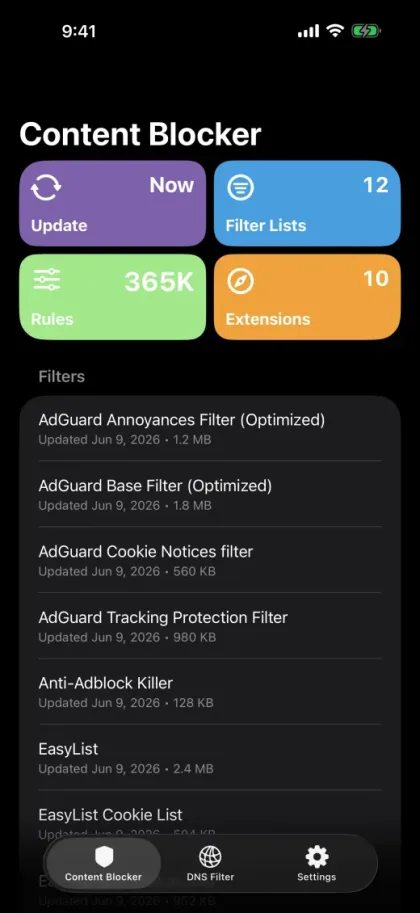
Block ads in Safari.
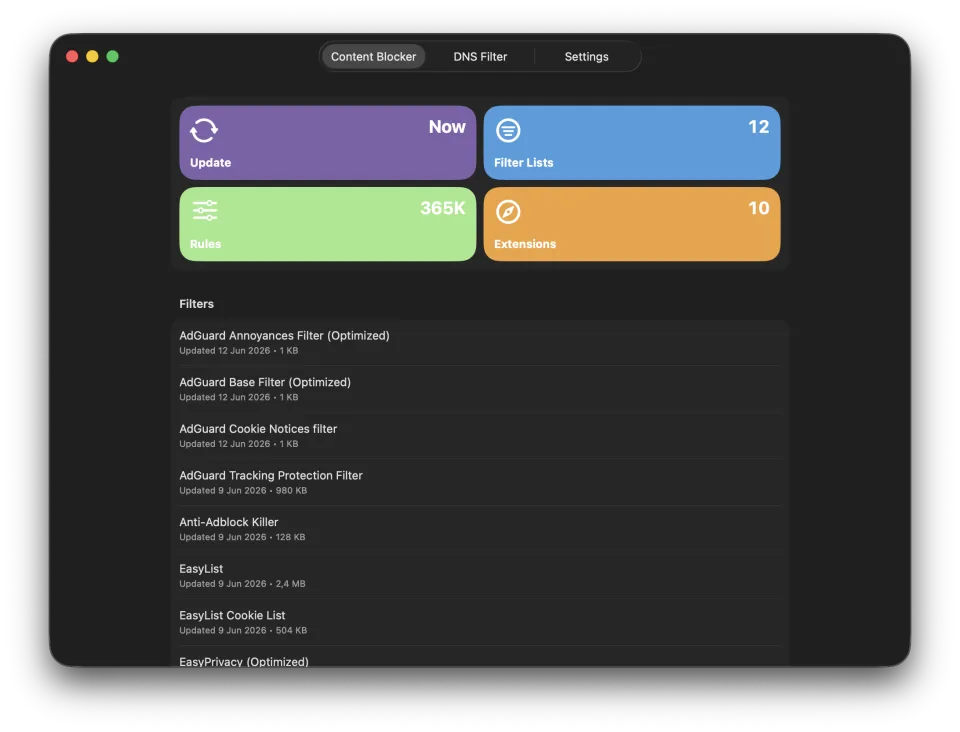
Use Safari content blocker lists to remove ads, trackers, popups, and page clutter before they take over the tab.
 Void
Void
Safari ad blocker and DNS privacy protection
Void helps block ads, trackers, cookie banners, phishing domains, and noisy web content across iPhone, iPad, and Mac. The web can keep talking. You do not have to listen.
Start with trusted lists like EasyList and AdGuard DNS, then tune things when a site needs a specific choice. Void keeps the powerful parts visible without making privacy feel like homework.
Use Safari content blocker lists to remove ads, trackers, popups, and page clutter before they take over the tab.
Block known tracking, malware, phishing, scam, and gambling domains with curated host lists.
Allow trusted sites, block problem domains, hide page elements, reduce cookie prompts, and force HTTPS where it belongs.
Keep filter lists and custom rules aligned with iCloud across iPhone, iPad, and Mac.
Void turns downloaded lists into local protection rules and shows what is installed, what is enabled, and what changed. The machinery stays tidy. The controls stay human.
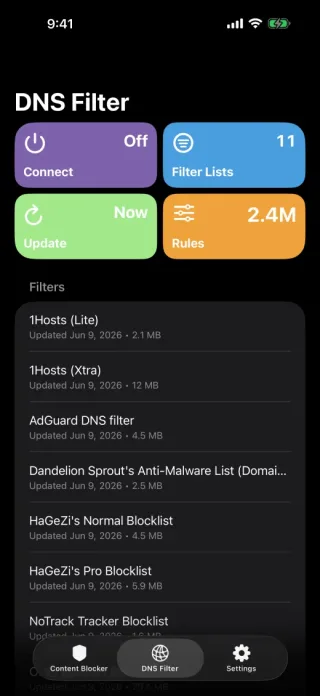
Void is for people who want privacy protection that is strong enough for power users and clear enough for normal humans with coffee in one hand.
Explore well-known Safari and DNS lists, add what you need, and disable a list without deleting it when a site gets fussy.
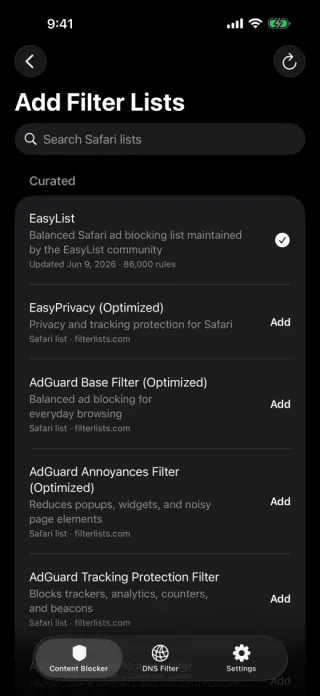
Some pages need a personal decision. Void lets you create rules for domains, cookies, HTTPS, and element hiding.
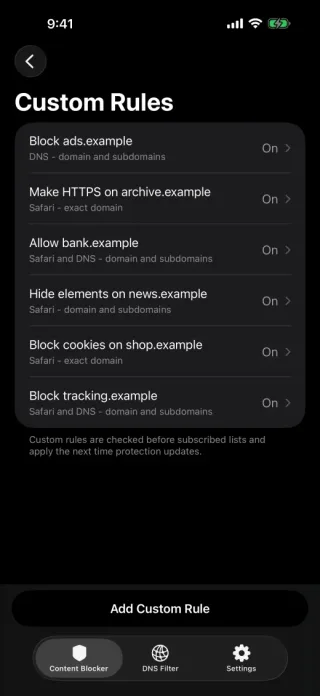
Void is built around local protection artifacts, App Store distribution, and user-controlled iCloud sync. Trackers already have enough hobbies.
Yes. Void uses Safari content blocker lists to help block ads, trackers, cookie notices, and other unwanted web content.
Yes. Void can use DNS host lists to block known tracking, malware, phishing, scam, and unwanted domains.
Yes. Void includes curated discovery for trusted lists such as EasyList and AdGuard DNS, plus more advanced options.
Void is built for iPhone, iPad, and Mac, with optional iCloud sync for filter lists and custom rules.